3 min read
How to Digitize Photos in an Old Family Album
Photograph supported album pages without forcing the binding, keep captions beside each image, and preserve the originals after making digital copies.
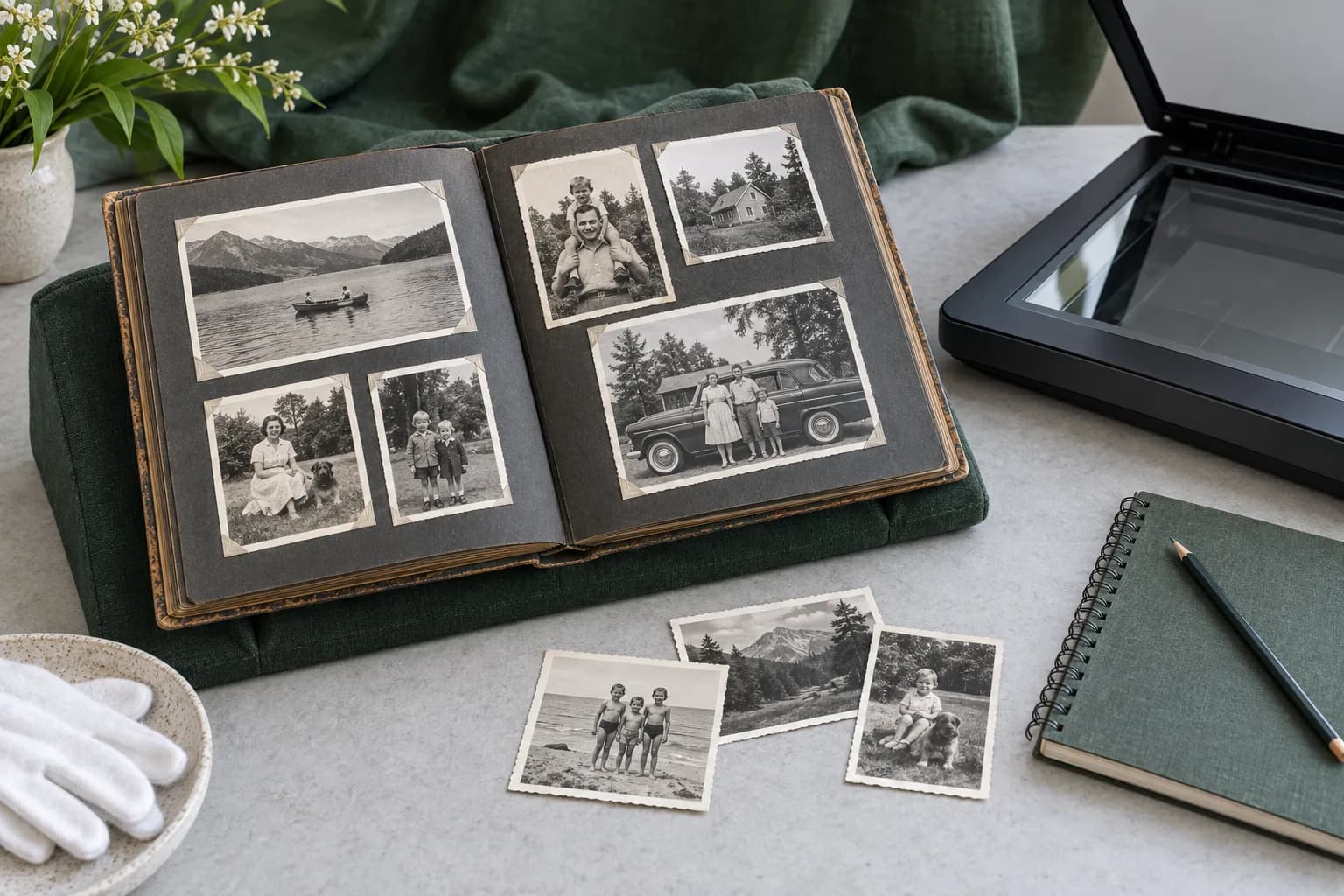
To digitize an old family album, copy the pages while the binding is comfortably supported, keep the photographs connected to their captions, and retain the physical album. A page that will not open safely is a reason to change your copying method, not to press harder.
Decide what can safely be copied
The National Archives' guidance on digitizing family materials recommends a copy stand for books rather than a flatbed scanner. Supports, wedges or a cradle allow the binding to open without being forced. An album is more than a collection of separate pictures: the arrangement, handwriting and order may explain relationships that disappear when the images are removed.
Start by looking at the album without taking anything out. Notice whether the pages move freely and whether photographs are loose or attached. Do not pull an attached photograph away simply because it would be easier to scan separately. If copying would require separating stuck materials or forcing a brittle page, stop and seek appropriate preservation help.
Choose a method for the material
| What you have | A suitable starting point | What to avoid |
|---|---|---|
| A bound album | A supported page photographed from above | Forcing the binding onto scanner glass |
| A loose, stable photograph | A scanner surface large enough for the whole original | A lid pressing on an overhanging print |
| Fragile or attached material | Assess handling before copying | Pulling it apart to speed up the work |
The first two recommendations follow the Archives' distinction between bound items and flat originals. Its guidance also warns that automatic-feed scanners can damage fragile or valuable papers. The table is a handling checklist, not a guarantee that a particular old album is safe to copy at home.
Keep a whole-page copy and an image copy
Record the complete page before making a separate crop for an individual photograph. The whole-page copy preserves the layout and any caption; a working crop makes the photograph easier to share or prepare for printing. Keep those two files linked by a page identifier rather than relying on their position in a folder.
Our file-naming guide explains a practical way to keep related copies together. Record who, what, where and when where those details are known. Leave uncertainty visible rather than assigning a confident date because a folder requires one.
Check the copy before choosing a print
Look for clipped edges, glare and missing handwriting. Inspect whether important details remain legible in the copy. An image may have large file dimensions while still lacking the detail needed for a larger print; our scanning guide explains that distinction.
MemoryFrame works from digital images. We do not receive physical albums or provide a scanning service. Preparing a usable digital copy happens before choosing an image for a piece.
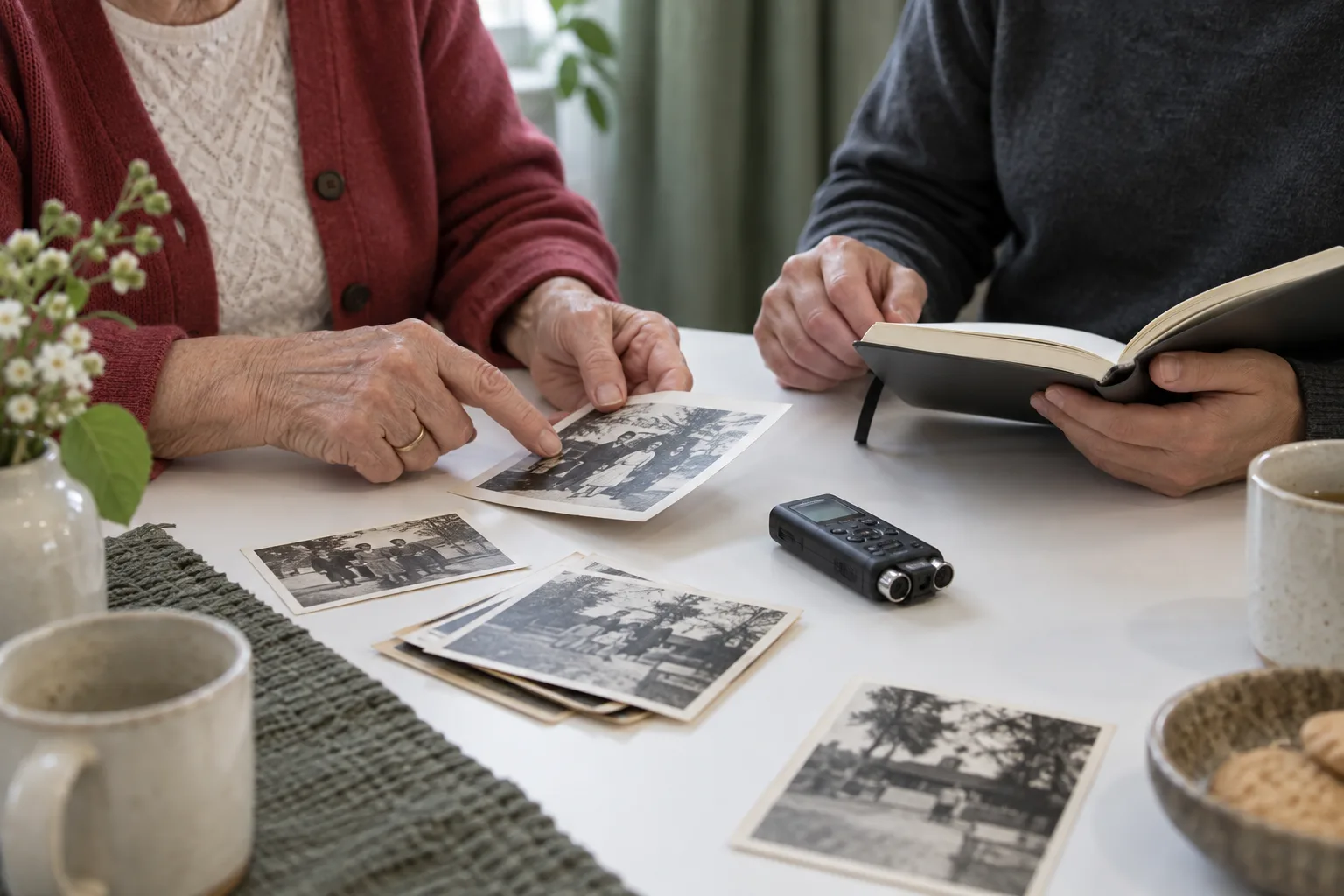
The Archives advises keeping originals because digital files have their own preservation risks. Finally, ask someone who knows the album to explain what the photographs cannot show. Our guide to recording the story behind a photograph helps keep that context with the image.