3 min read
How to Name Scanned Family Photo Files
Use a consistent filename, keep uncertain dates visible, and store names, places and context alongside the image rather than squeezing them into its name.
Name scanned family photographs consistently, give each image an identifier, and keep the fuller description beside the file. A filename should help you find the photograph; it should not silently turn an uncertain date or identity into a fact.
Pick a pattern you can keep using
The National Archives' digitizing guidance recommends Latin letters for alphanumeric identifiers and hyphens or underscores rather than spaces. It also recommends recording basic metadata: who, what, where and when. Those are separate jobs. The filename keeps files orderly; the description preserves their meaning.
Choose a short pattern before renaming a large collection. For example, a folder might use an album identifier, a page identifier and a photograph identifier. This is an illustrative naming system, not a required archival standard or a description of an actual family's collection.
album-a_page-003_photo-01_original.jpg
album-a_page-003_photo-01_working.jpg
album-a_page-003_photo-01_notes.txt
The shared identifier connects the files. The final word distinguishes the untouched copy from an edited version or a description. Preserve the real file extension: changing a name from one extension to another does not convert the image format.
Make uncertainty visible
If you do not know the year, do not invent one to complete a filename. Use the photograph's identifier and record the date as unknown in the description. If a relative thinks an image was taken during a particular decade, record both the estimate and who supplied it.
| Information | Where to keep it | Why |
|---|---|---|
| Stable image identifier | Filename and description | Connects the photo to related files |
| Confirmed names and place | Description or metadata | Easier to expand than a filename |
| Approximate date | Description, labelled approximate | Keeps an estimate distinct from a fact |
| Story or recollection | A linked note or recording | Preserves more than a short label can hold |
This table is a suggested organizing approach. The Archives supports preserving basic metadata; it does not prescribe this particular folder layout.
Keep original and working copies distinct
Save the untouched scan before cropping, straightening or making other changes. Use a clearly labelled working copy for preparing an image for print. Our scanning guide explains why an image's surviving detail matters more than a large file alone.
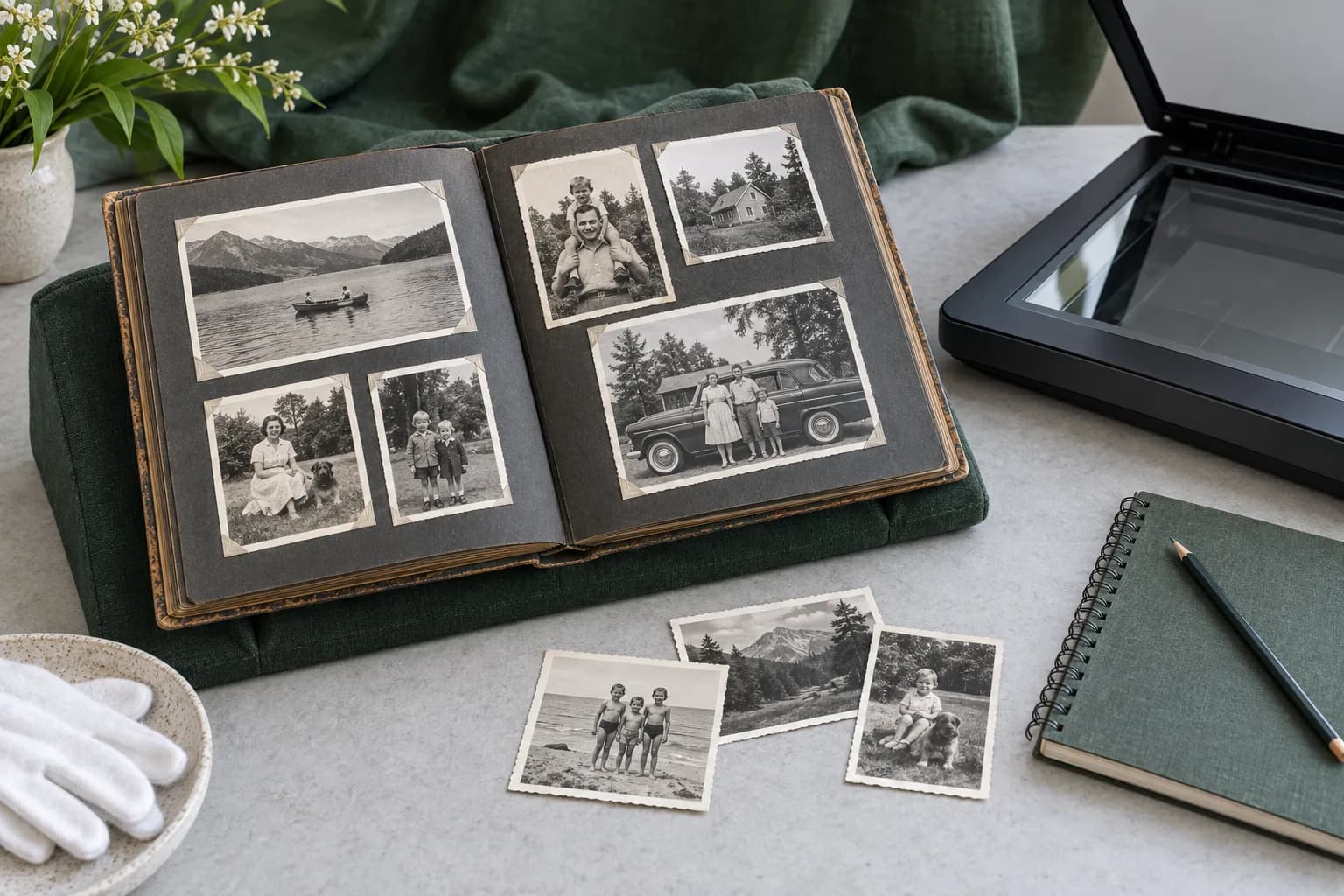
For an album, keep a whole-page copy connected to its individual crops. Our album digitizing guide covers the handling decisions that come before naming those files. Do not remove the contextual page image just because the individual photograph looks cleaner without it.
Keep the description with the image
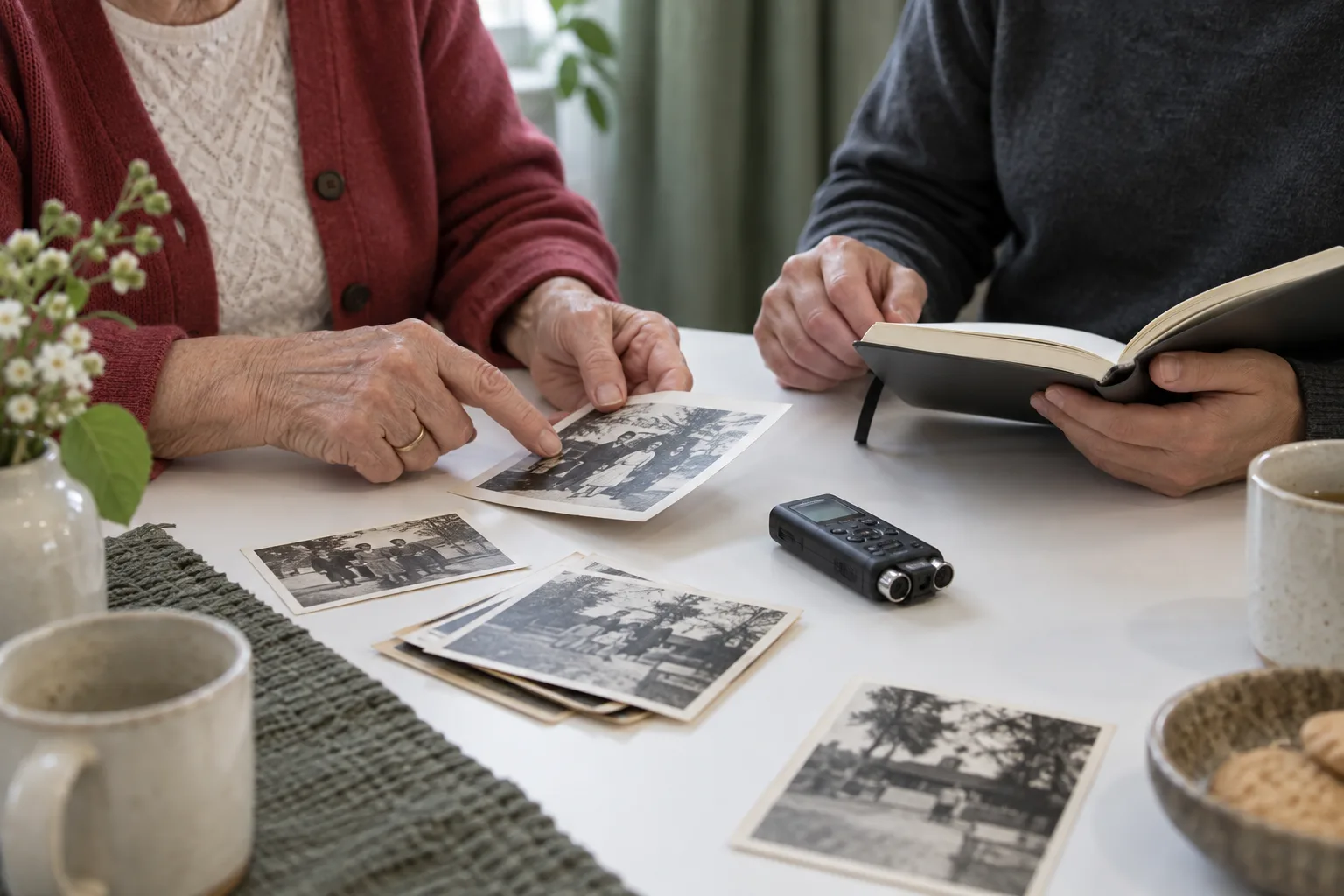
MemoryFrame treats the photograph and its story as different contributions. Preparing a photograph for a print does not replace recording who is in it or why it matters. Our story-recording guide helps collect that context without putting words into someone's mouth.
The National Archives recommends retaining physical originals and backing up digital files. A consistent naming system makes those backups easier to understand; it does not make the files immune to loss.