2 min read
How to Organize Voice Memos into Folders on iPhone
Learn how to search for family recordings, create new folders, and move your audio files in the iPhone Voice Memos app to keep everything organized.
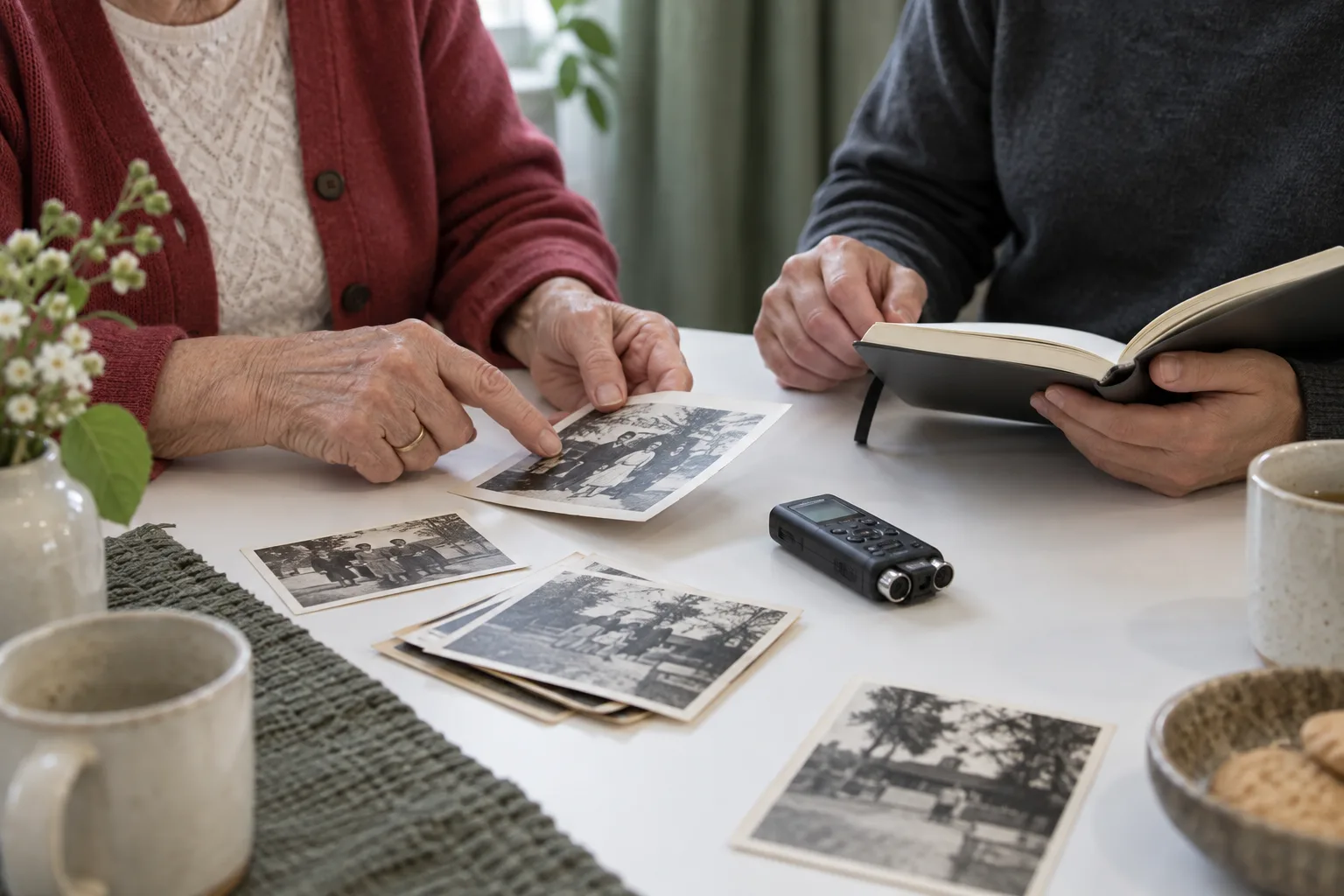
To organize family voice memos into folders on an iPhone, first go to the Voice Memos app located in the Utilities folder Apple Support. From there, you can select recordings from your list and use the Share button to move them to a specific folder Apple Support.
Finding family recordings to organize
Start by going to the Voice Memos app on your iPhone, which is kept in the Utilities folder Apple Support. To locate specific recordings, tap the Search button and enter the text you want to find Apple Support. The list shows only recordings with that text, either in the title or within the audio transcription Apple Support.
Audio transcription is not available in all countries or regions, and it is limited to the iPhone 12 or later Apple Support. Where supported, transcription works for English (all variants), Spanish, Portuguese, Italian, French, German, Japanese, Korean, Simplified Chinese, and Traditional Chinese Apple Support.
Moving selected memos into folders
Tap Edit above the list of recordings Apple Support. Select one or more recordings, tap the Share button, tap Move to Folder, and then choose a folder Apple Support.
To create a new folder, tap the New Folder button, type a name for the folder, and then tap Save Apple Support. As a practical suggestion, try naming your folders using the speaker's name or the date to make sorting easier.
Navigating your folder contents
To view your folders, tap the Back button Apple Support. You can tap a folder to check its contents Apple Support.
To return to the list of recordings, tap All Recordings Apple Support.
MemoryFrame
A story worth making into artwork
Start a MemoryFrame with the person, place or moment you want to remember.
Start your MemoryFrame