2 min read
How to Correct a Photo Date in Apple Photos on Mac
To correct a scanned photo's date in Apple Photos on a Mac, select the image, choose Adjust Date and Time from the Image menu, and enter the new date.
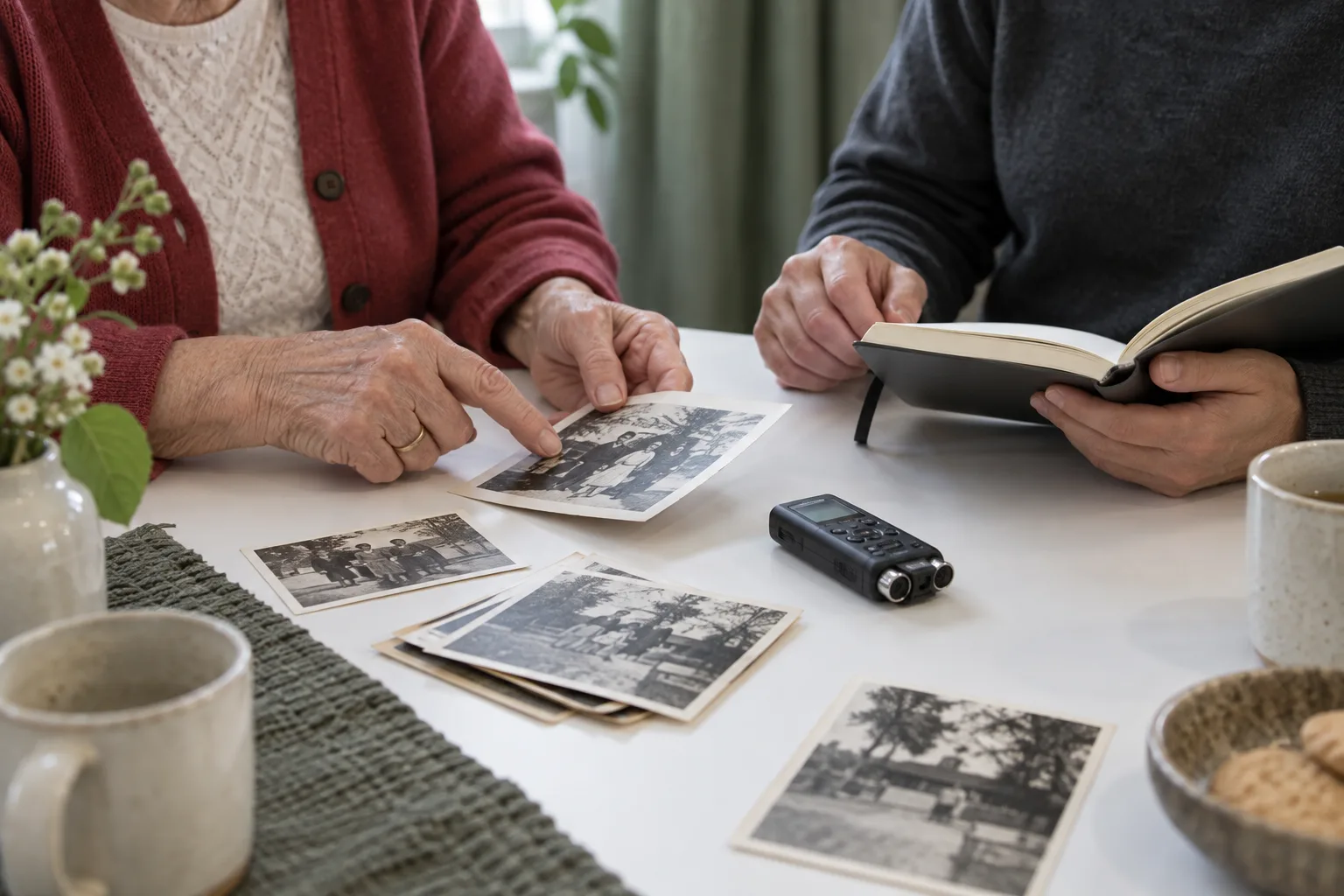
This guide explains how to update the metadata of a digitized photo in Apple Photos to reflect its historical date. To change the date and time of a photo, go to the Photos app on your Mac, select the photos you want to change, and choose Image > Adjust Date and Time Apple Support.
Updating Metadata for Digitized Images
You can add basic Metadata to files: Who, What, Where, and When National Archives. There are a number of metadata options available, and metadata helps find and identify files later in time National Archives.
In Apple Photos, you can edit metadata details like date, time and location Apple Support. You can also add titles and captions to make it easier to search for items, and you can mark items as favourites Apple Support.
Checking Current Photo Details
As a practical suggestion, keep in mind that a scanner's timestamp does not establish the historical date of a physical photo. In the application, the Info window for a photo shows the date and time the photo was taken Apple Support. The Info window also displays information about the device that captured the photo, the photo’s location, and more Apple Support.
Adjusting the Date on a Mac
Go to the Photos app on your Mac and select the photos you want to change Apple Support. Choose Image > Adjust Date and Time Apple Support. You can also double-click the date that appears in the Info window to change the date Apple Support.
Enter the date and time you want in the Adjusted field Apple Support. Click a time zone on the map and choose the closest town/city, if necessary Apple Support. Finally, click Adjust Apple Support.
Personalized framed art
Give a moment as a painting
Send us a photo and the story behind it. We paint it stroke by stroke in the style you choose, frame it by hand, and you approve it before it prints. Add a note, a song and a living memory.
Framed from $179 · Free to start · Nothing is ordered until you approve