3 min read
How to Organize Scanned Photos by Year
To organize scanned photos by year, sort physical prints safely, format digital file names with hyphens, embed date metadata, and maintain three backups.
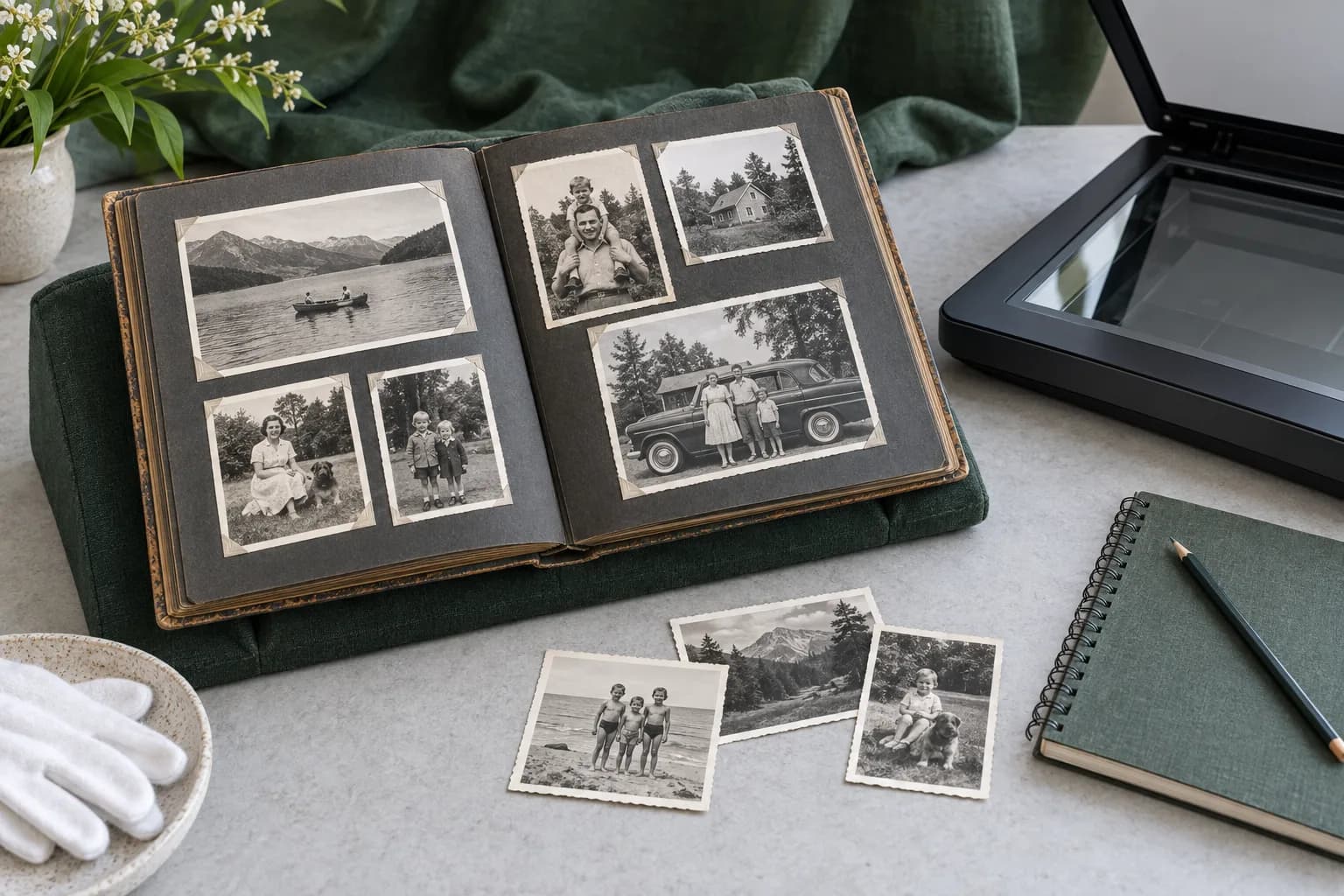
To organize scanned photos by year, you should begin by sorting your physical originals without using damaging clips Care, Handling and Storage of Photographs - Collections Care (Preservation, Library of Congress). After scanning, you must name the digital files using only standard letters without any spaces Digitizing Family Papers and Photographs | National Archives. You can then attach descriptive details to the digital files to help locate them in the future Digitizing Family Papers and Photographs | National Archives. Finally, protect your organized digital library by saving three total copies Digitizing Family Papers and Photographs | National Archives.
Preparing and grouping physical photos by year
Grouping your images chronologically starts before you even turn on a scanner. When sorting physical prints, do not use mechanical fasteners such as paper clips or rubber bands Care, Handling and Storage of Photographs - Collections Care (Preservation, Library of Congress). I suggest sorting the physical photos into separate stacks on a clean table, dedicating one stack to each year.
If you absolutely must mark an original photograph to keep track of its year, use a soft graphite pencil to write only on the back, keeping the text near the edge Care, Handling and Storage of Photographs - Collections Care (Preservation, Library of Congress).
Creating a chronological file naming system
A strict naming convention keeps your digital archive in order. When creating names for your scanned files, use only standard Latin alphabet letters, and completely avoid any symbols or spaces Digitizing Family Papers and Photographs | National Archives.
To separate individual words within a file name without relying on spaces, utilize underscores and hyphens Digitizing Family Papers and Photographs | National Archives. A practical suggestion is to start every file name with the four-digit year, followed by an underscore and a brief description, so your computer naturally sorts the list chronologically.
Tagging scanned files with date metadata
Beyond the file name, you can embed information directly into the digital image. Attaching metadata to your scanned files helps you search for and recognize specific images as time goes on Digitizing Family Papers and Photographs | National Archives.
I recommend systematically adding the date, along with details about the people, events, and locations depicted in the image. Embedding these descriptive details into the file's metadata provides a systematic way to manage your collection by year.
Backing up your yearly digital archives
Once your yearly organization is complete, securing the files is essential. You should preserve your digitized collection by maintaining a total of three copies of your data Digitizing Family Papers and Photographs | National Archives.
Following the standard 3-2-1 backup strategy, store these copies across two distinct types of media, and keep one of those copies entirely off-site Digitizing Family Papers and Photographs | National Archives. I suggest making it an annual habit to update your off-site backup at the end of each year to keep your chronological archive safe.