2 min read
How to Create a Family Photo Inventory
To create a family photo inventory, identify files with alphanumeric text and hyphens, add who/what/where metadata, and safely label the physical housing.
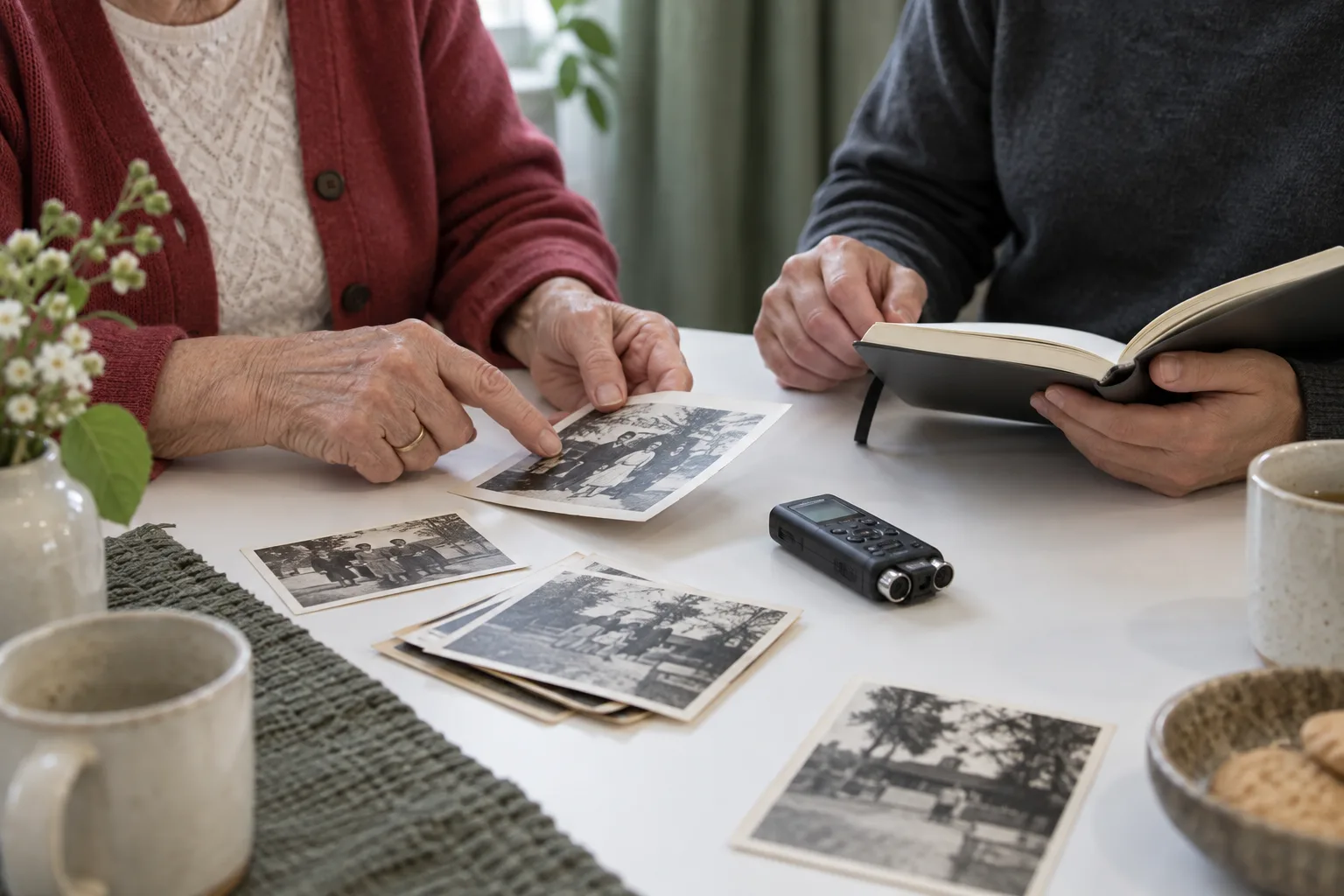
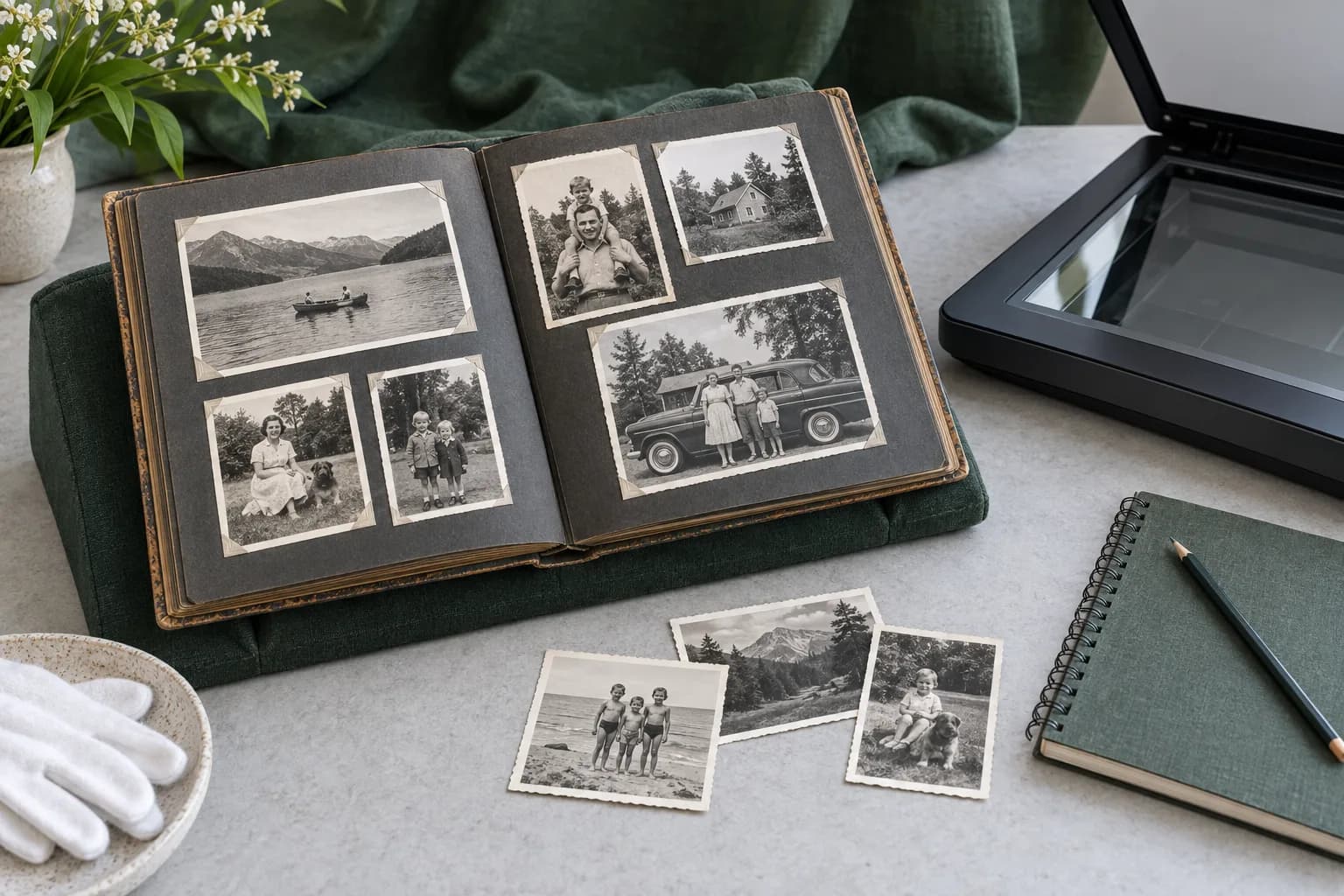
Creating a family photo inventory involves establishing clear file naming rules, adding metadata to digital copies, and carefully handling the physical originals. When organizing digital items, you should use only Latin letters without spaces or symbols, and include metadata covering the who, what, where, and when Digitizing Family Papers and Photographs | National Archives. For the physical prints, it is preferable to mark the housing materials rather than the photos themselves Care, Handling and Storage of Photographs | Library of Congress.
Naming digital inventory files
When creating alpha-numeric identifications for your digital inventory, use only the letters of the Latin alphabet (A-Z, a-z) Digitizing Family Papers and Photographs | National Archives. You should not use spaces, punctuation, or symbols in your file names Digitizing Family Papers and Photographs | National Archives. Instead of using spaces, separate words with hyphens and underscores Digitizing Family Papers and Photographs | National Archives. A practical suggestion is to write down your standard naming template so all family members can format these digital IDs consistently.
Adding descriptive metadata
Attach basic metadata to your digital files covering the "Who, What, Where, and When" for each image Digitizing Family Papers and Photographs | National Archives. While there are a number of metadata options available, applying these basic details helps you find and identify files later in time Digitizing Family Papers and Photographs | National Archives.
Marking physical photos and housing
Whenever possible, avoid marking the photographs directly, as it is preferable to mark the photograph’s housing materials instead Care, Handling and Storage of Photographs | Library of Congress. If marking the print is absolutely necessary, limit the markings you make Care, Handling and Storage of Photographs | Library of Congress. Any necessary writing should be done near the edge on the back of the print, using a soft graphite pencil Care, Handling and Storage of Photographs | Library of Congress.
Restricting harmful fasteners and adhesives
When physically organizing prints for your inventory, do not use paper clips, rubber bands, or other mechanical fasteners to mark or organize them Care, Handling and Storage of Photographs | Library of Congress. You must also not use self-adhesive tape, sticky notes, glue, or other adhesives on the photographs Care, Handling and Storage of Photographs | Library of Congress. One suggestion is to sort loose items into temporary paper folders to keep them grouped without binding them together.